
0

CR32 Reader Password Setting Guide
This guide explains how to configure password protection and relay settings for the CR32 Reader using the UHF Prime Reader software.
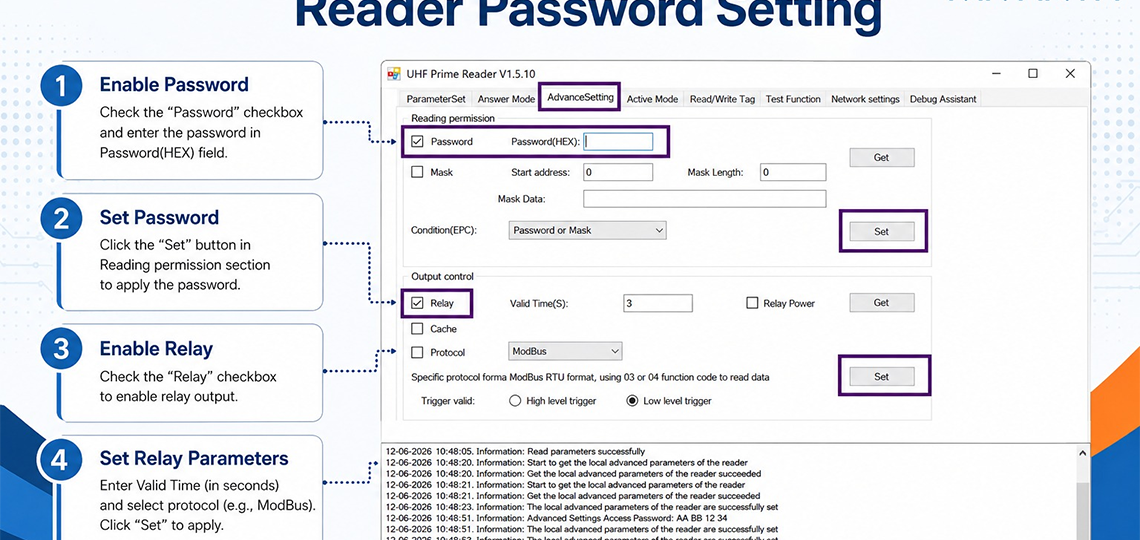
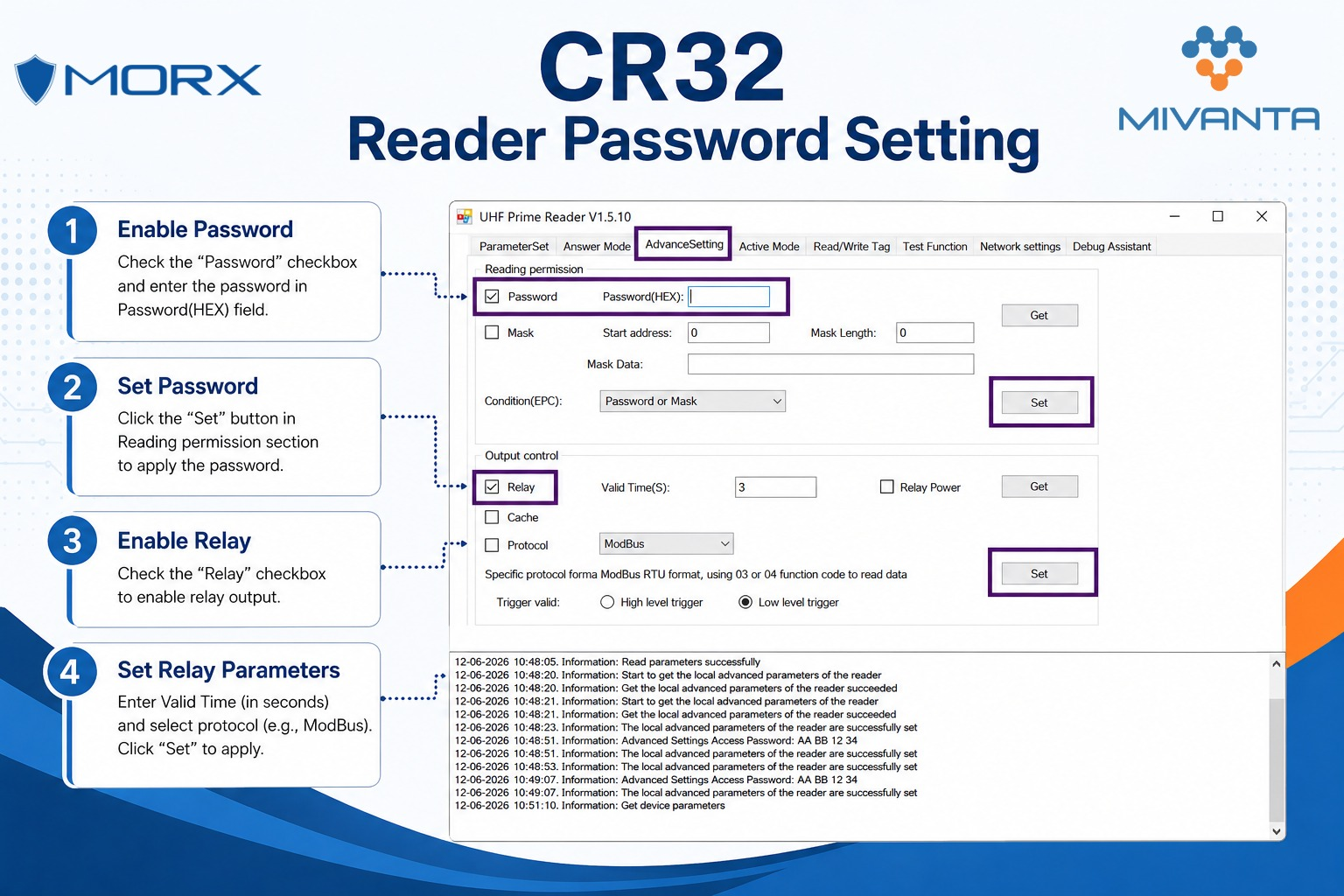
Step 1: Enable Password
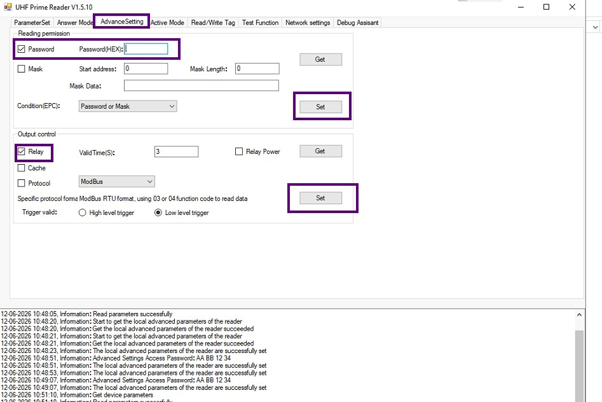
- Open the Advance Setting tab.
- Check the Password checkbox under the Reading Permission section.
- Enter the desired password in the Password (HEX) field.
Step 2: Set Password
- Click the Set button in the Reading Permission section.
- The password will be applied to the reader and used for access control.
Step 3: Enable Relay
- In the Output Control section, check the Relay checkbox.
- This enables the relay output functionality of the reader.
Step 4: Configure Relay Parameters
- Enter the required Valid Time (S) value to define the relay activation duration.
- Select the appropriate communication protocol, such as ModBus.
- Click the Set button to save and apply the relay settings.
Notes
- Verify all settings using the Get button before deployment.
- Ensure the password is recorded securely for future access.
- Test the relay output after configuration to confirm proper operation.
CategoryResources